New: chat with your library

A safe harbor for your files and the people they belong to

Upload documents, photos and PDFs, sort them into folders and categories, and link them to the people they're about. AI summarizes them for you, and share links expire on their own.

New sign-ups are paused for now. Existing accounts can still sign in.

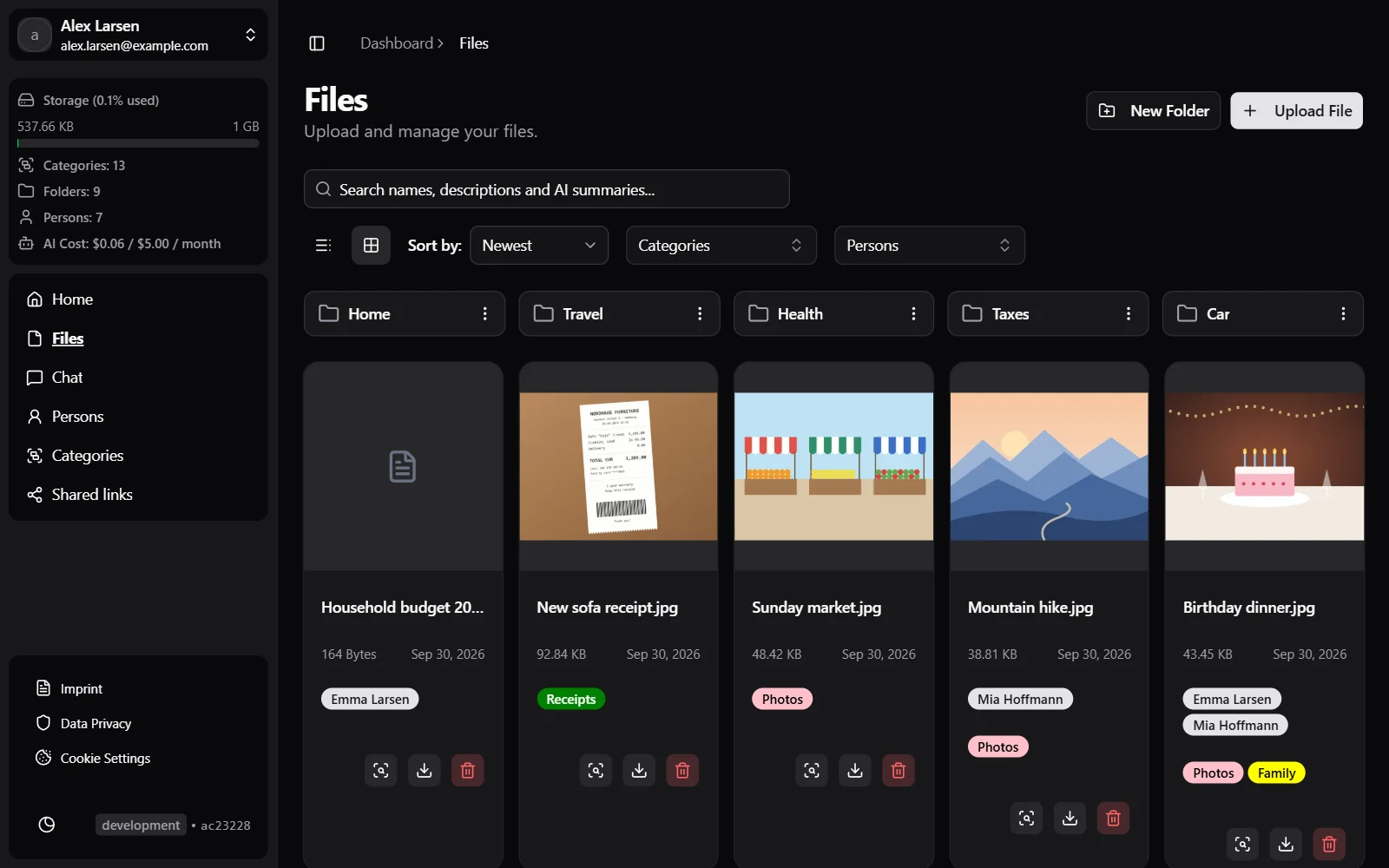
harboro.app/app/files
The files view with folders, categories and people

har·bor /ˈhɑːr·bər/ · noun

A sheltered place where ships stay safe from the open sea.

Add an o, and it's that place for your files: one calm spot where documents, photos and contacts stay together instead of drifting across inboxes, downloads folders and cloud drives.

Everything on board

What you can do with Harboro today.

Organize

Everything in its berth

Nest folders as deep as you like, tag files with categories and subcategories, and find anything again by its name, description or AI summary.

  • Nested folders and subcategories
  • Grid and table views, with filters for categories and people
  • Previews for images and PDFs
harboro.app/app/files
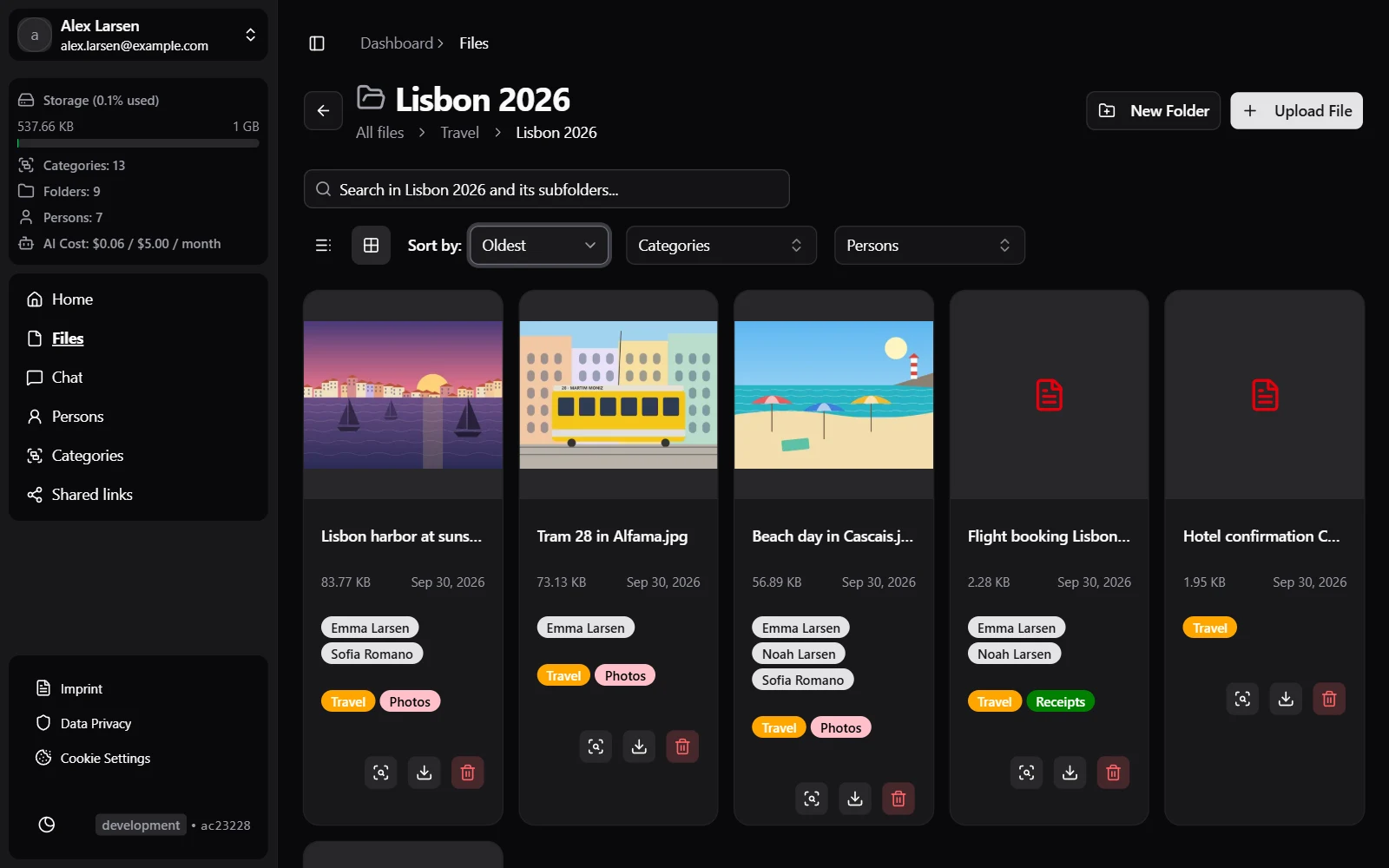
A folder with photos and documents tagged by category and person

People

Know who's on board

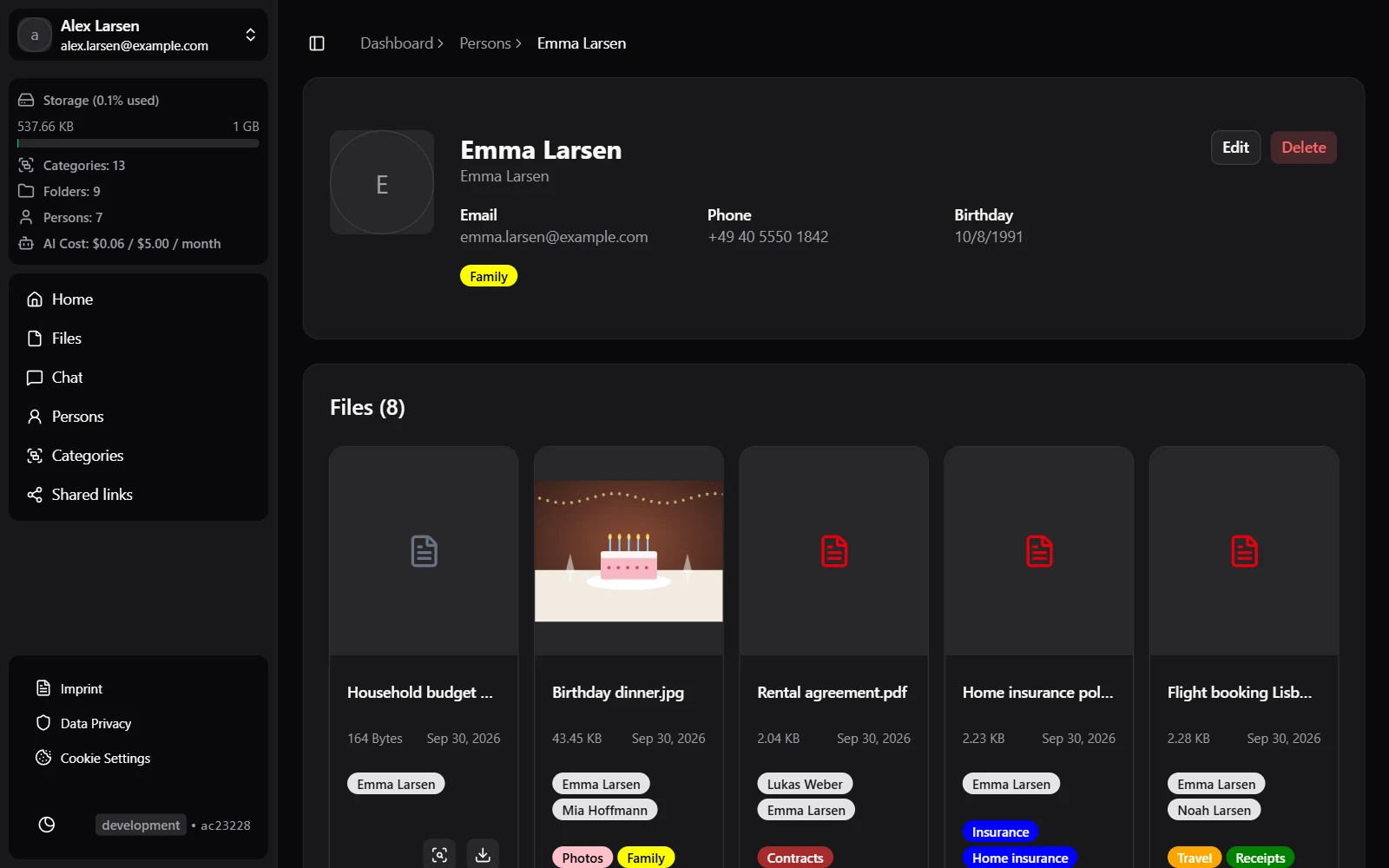
Keep contacts next to their paperwork. Link a file to the people it concerns, and open a person to see everything that belongs to them.

  • Avatars, birthdays and categories for every person
  • All linked files on the person’s page
  • No limits on people, folders or categories
harboro.app/app/persons
A person with their linked files

Todos

Chart your course

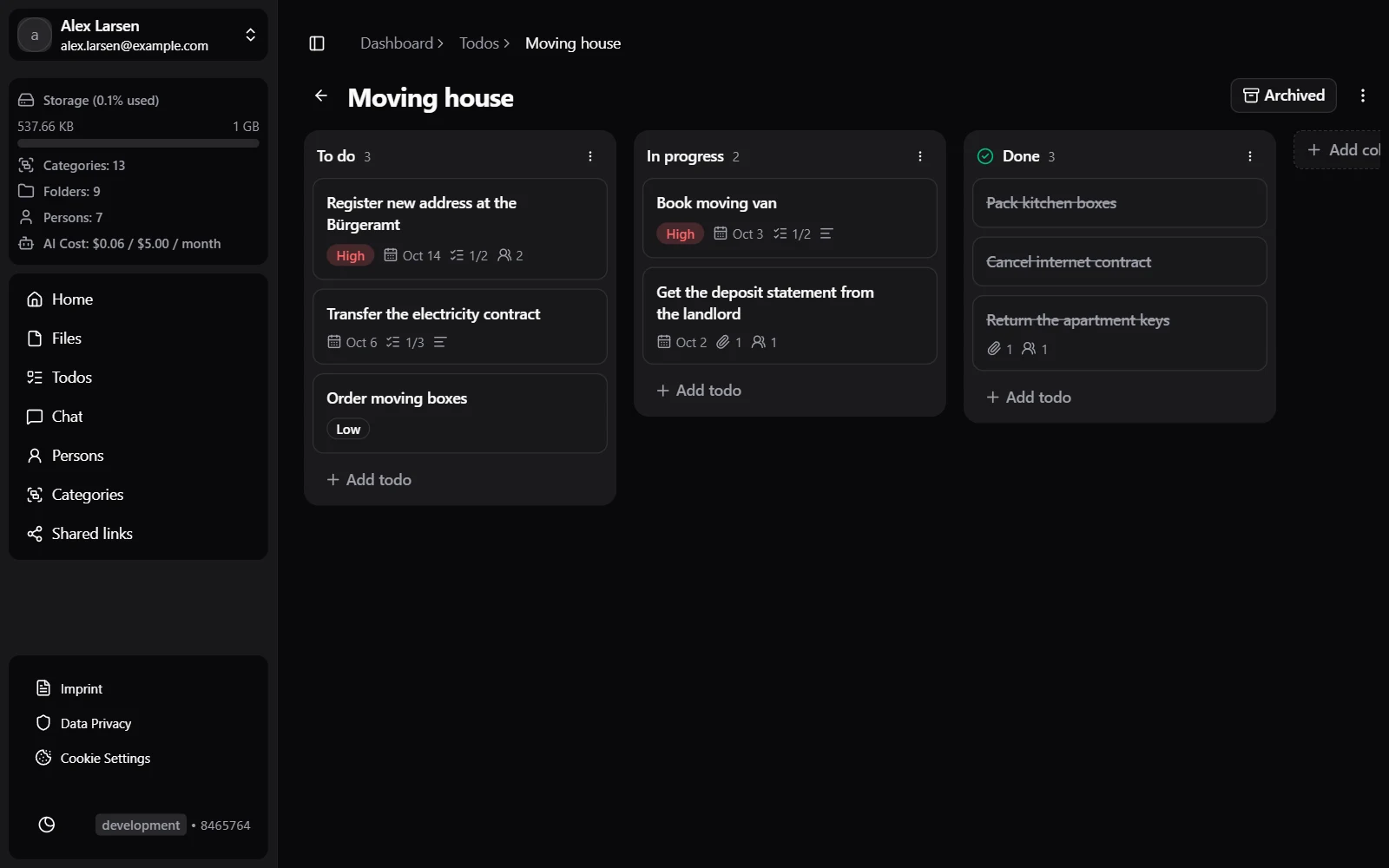
Plan what needs doing on kanban boards, and link each todo to the files and people it is about. Due dates show up on your dashboard, and done cards clear themselves away after two weeks.

  • Boards with your own columns and drag and drop
  • Due dates, priorities, notes and subtasks
  • Todos on the pages of their files and people
harboro.app/app/todos
A board with todos in the columns To do, In progress and Done

AI

A first mate that reads

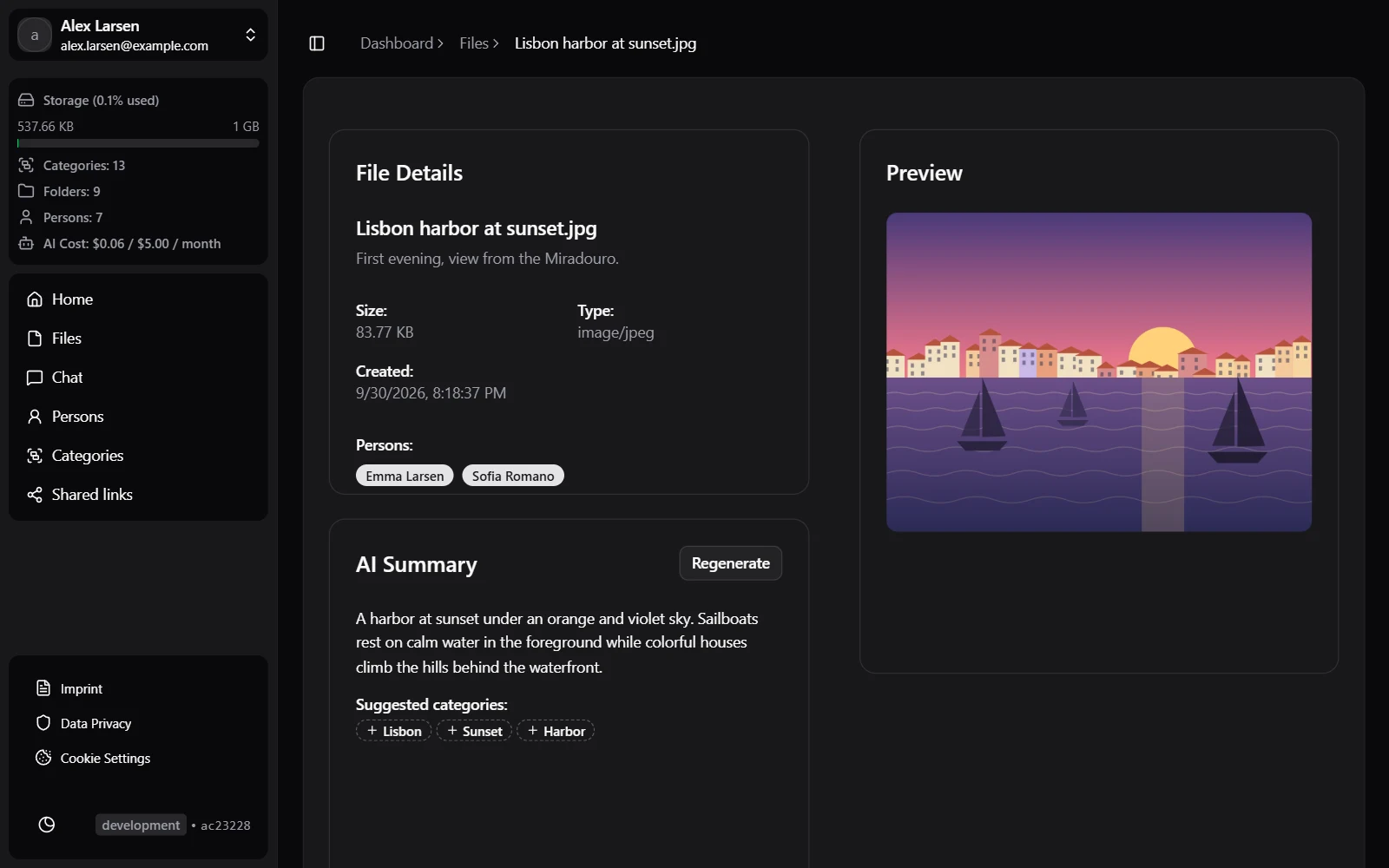
Get a summary of images, PDFs, text files and Word, Excel or PowerPoint documents, with suggested tags you can turn into categories in one click. Or just ask your library a question.

  • Summaries of images, PDFs and Office documents
  • Tag suggestions matched to your categories
  • Chat with your whole library
harboro.app/app/files
A file with its AI summary and suggested tags

Share

Send files ashore

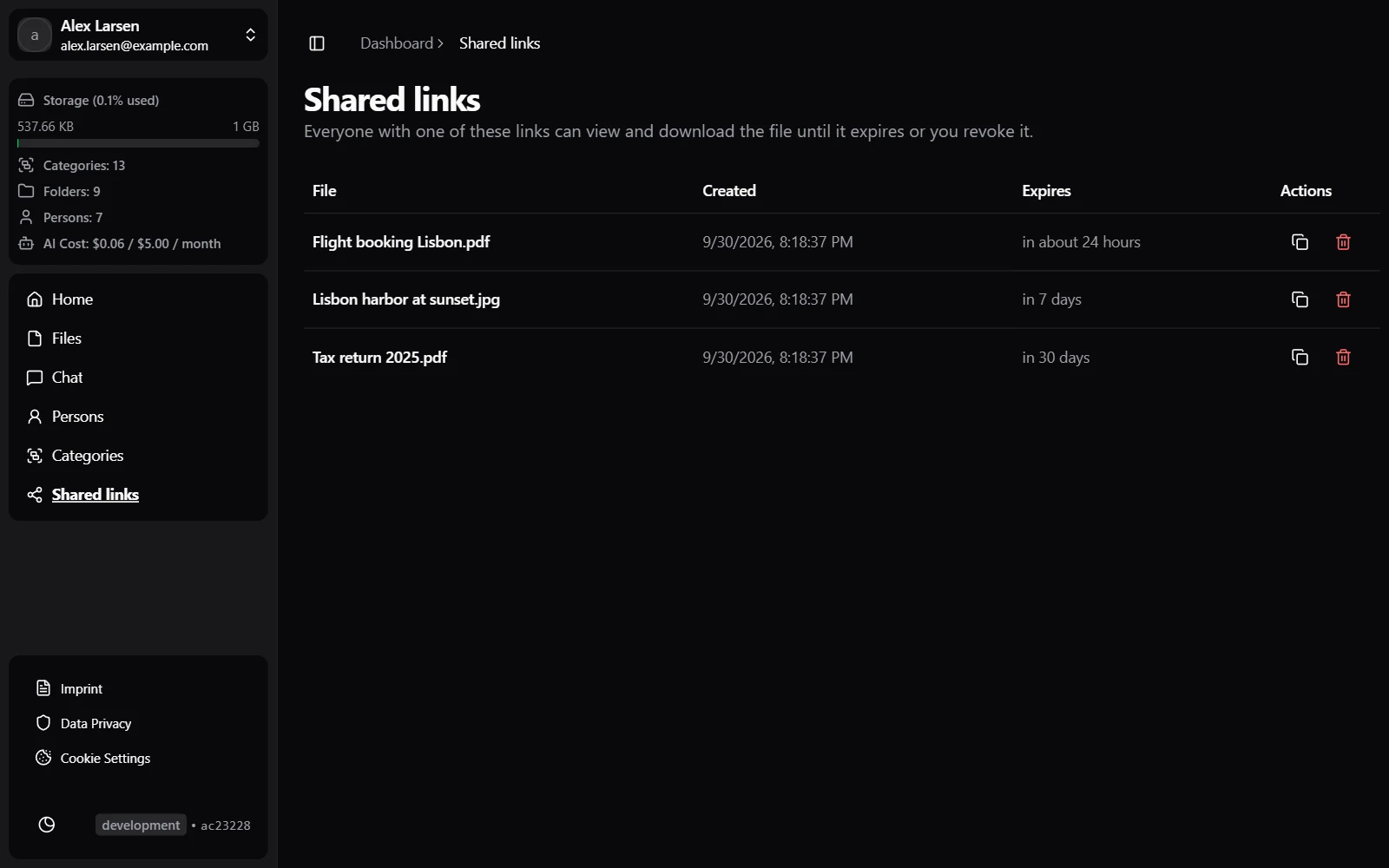
Share a file with anyone through a link that expires after 1 hour, 1 day, 7 days, or 30 days. Recipients don't need an account.

  • Links expire on their own
  • All active links in one place
  • Revoke a link at any time
harboro.app/app/shares
Shared links with their expiry dates

Free while we set sail

Harboro is young and grows every week. Everything it can do today is free. A Pro plan with more storage and a bigger AI budget will follow later.

Free

$0 / month

  • 1 GB of storage, files up to 50 MB and videos up to 500 MB
  • AI summaries and chat worth $5 every month
  • Unlimited folders, categories and people
  • Share links that expire on their own
Sign in

New sign-ups are paused for now. Existing accounts can still sign in.

On the horizon

What we're steering towards next.

Shared folders

Invite family or colleagues to a folder and decide who can do what.

Imports

Bring your files over from Google Drive, OneDrive and other services.

Come to where the files are.

Your files have been adrift long enough. Bring them into harbor.

Sign in

New sign-ups are paused for now. Existing accounts can still sign in.